Creating assumptions and exclusions templates
This guide will walk you through creating assumptions and exclusions templates.
Assumptions and exclusions help to provide more clarity in the proposals or statements of work you send to potential or existing clients. For example, you could add an assumption to make clear that ‘All images and content need to be sent by the agreed date and in the correct format in order to keep the project on track and meet the deadline’. You could also add an exclusion to ensure the client knows what is not included: ‘no content will be added by our agency to the website - this will be carried out by the client’s team’.
To create a template, first navigate to the 'Templates' section of Rofinery in the lefthand menu.
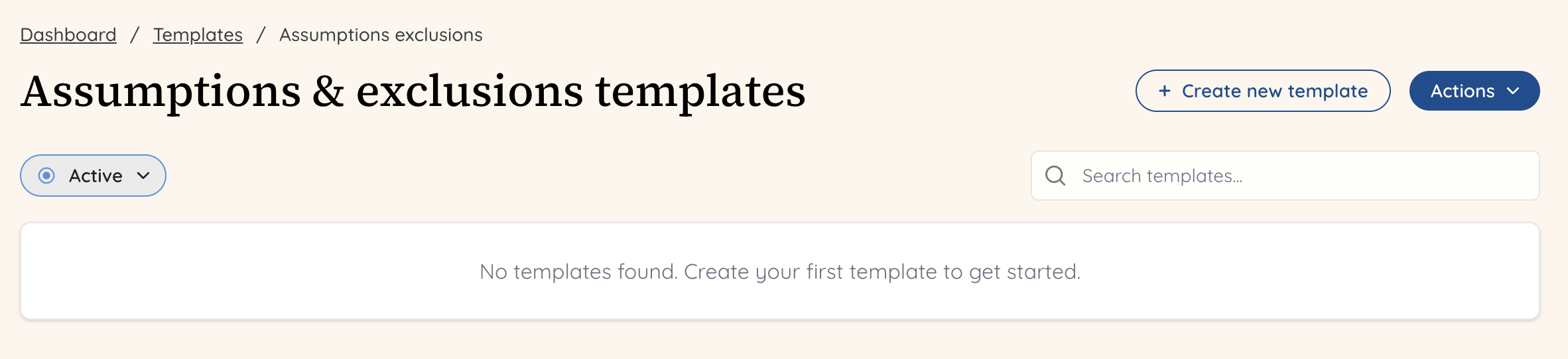
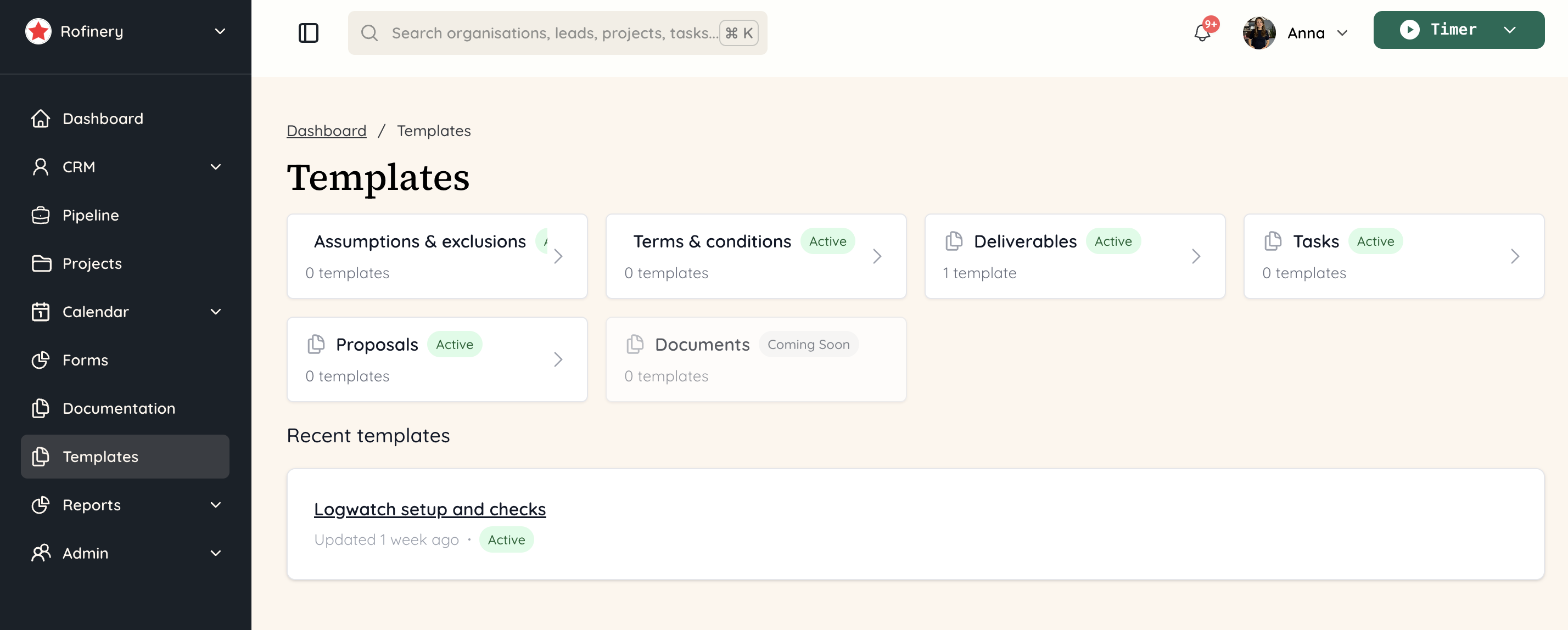 Click on ‘Assumptions & exclusions’ and then ‘+ Create new template’. You can create multiple templates - so you could create a template for a website project, another for a social media campaign or perhaps one for a PPC proposal.
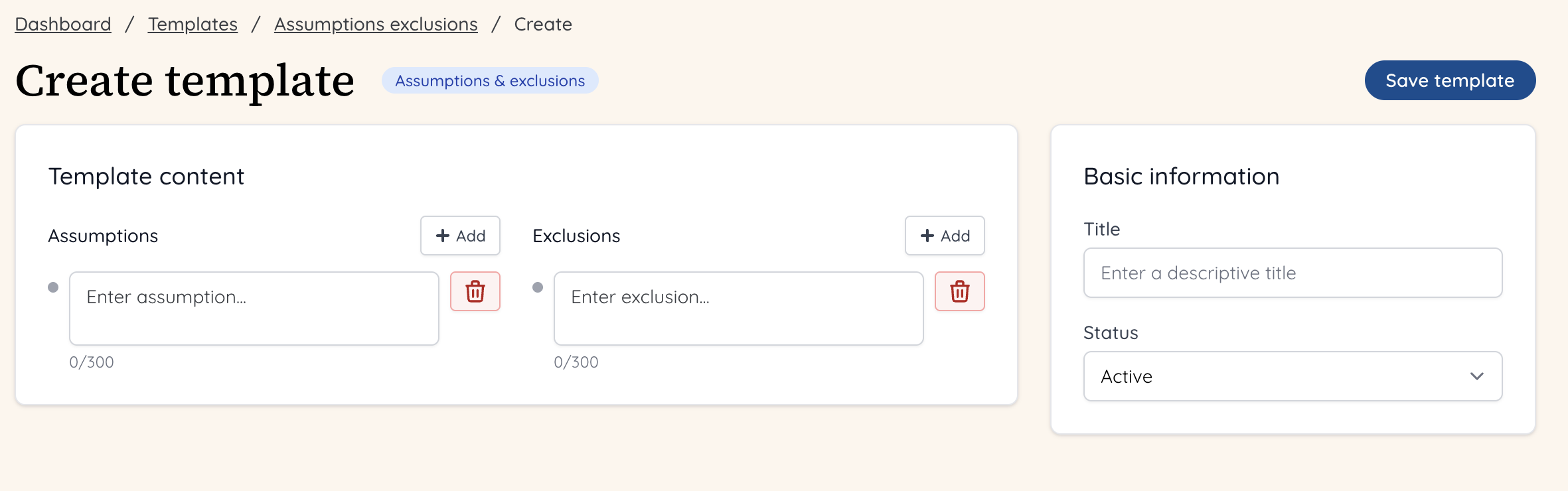
 You will then be able to add multiple assumptions and exclusions, each with a maximum character limit. This is to keep them simple and clear. If it is too long, it probably needs to be broken up into two smaller assumptions or exclusions!
If you’re not happy with one, click the bin icon and it will be deleted.
Give your template a title, and when you’re finished, click the ‘Save template’ button to the right.
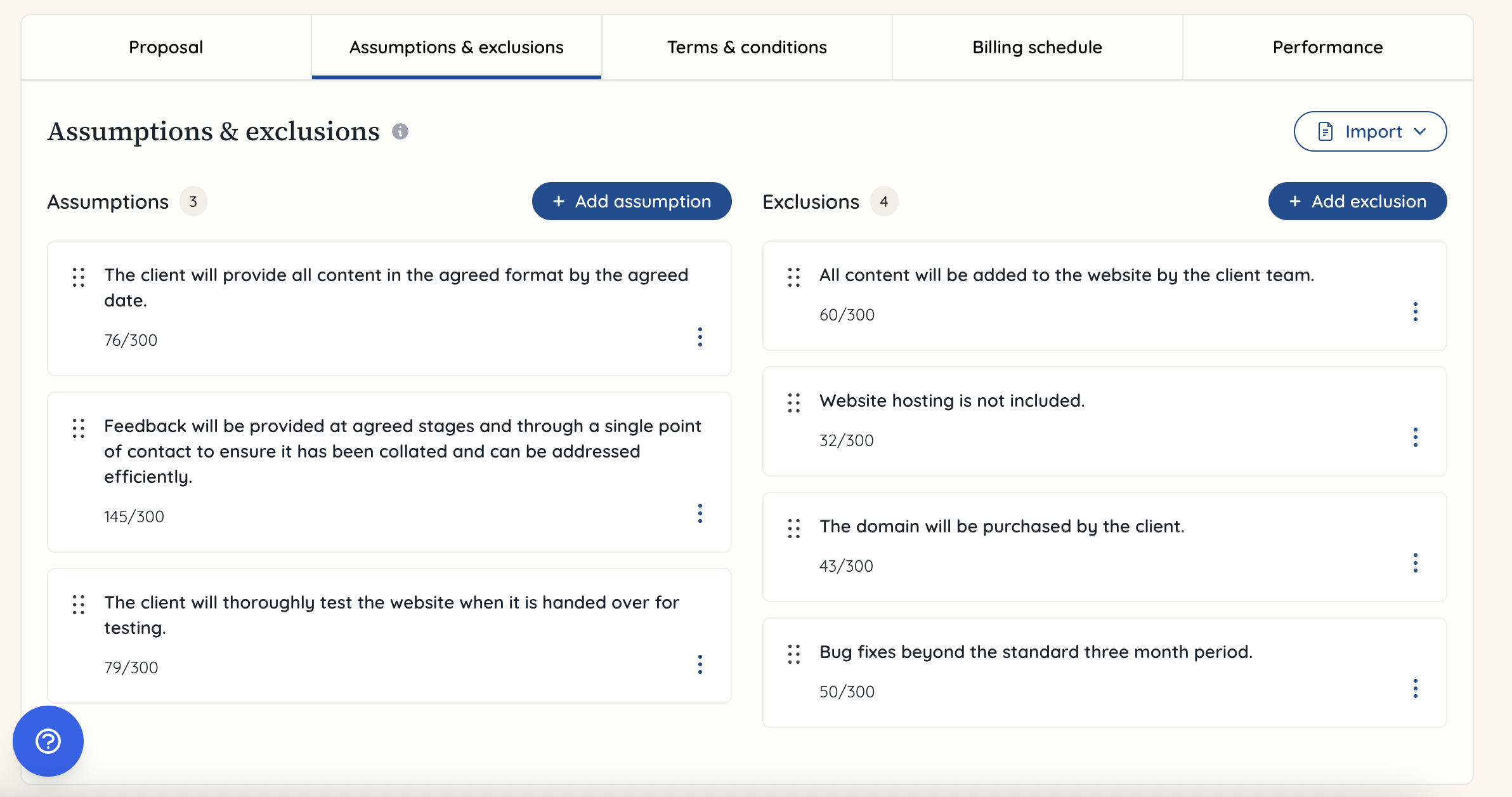
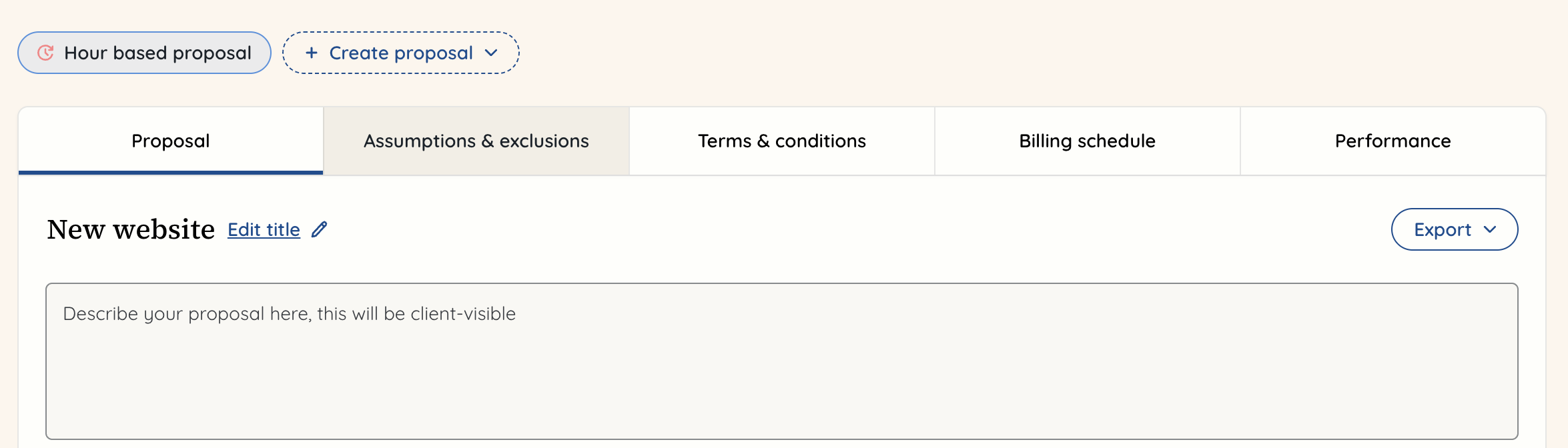
 When you want to add this template into a proposal, go to that proposal, and click on the ‘Assumptions & exclusions’ tab.
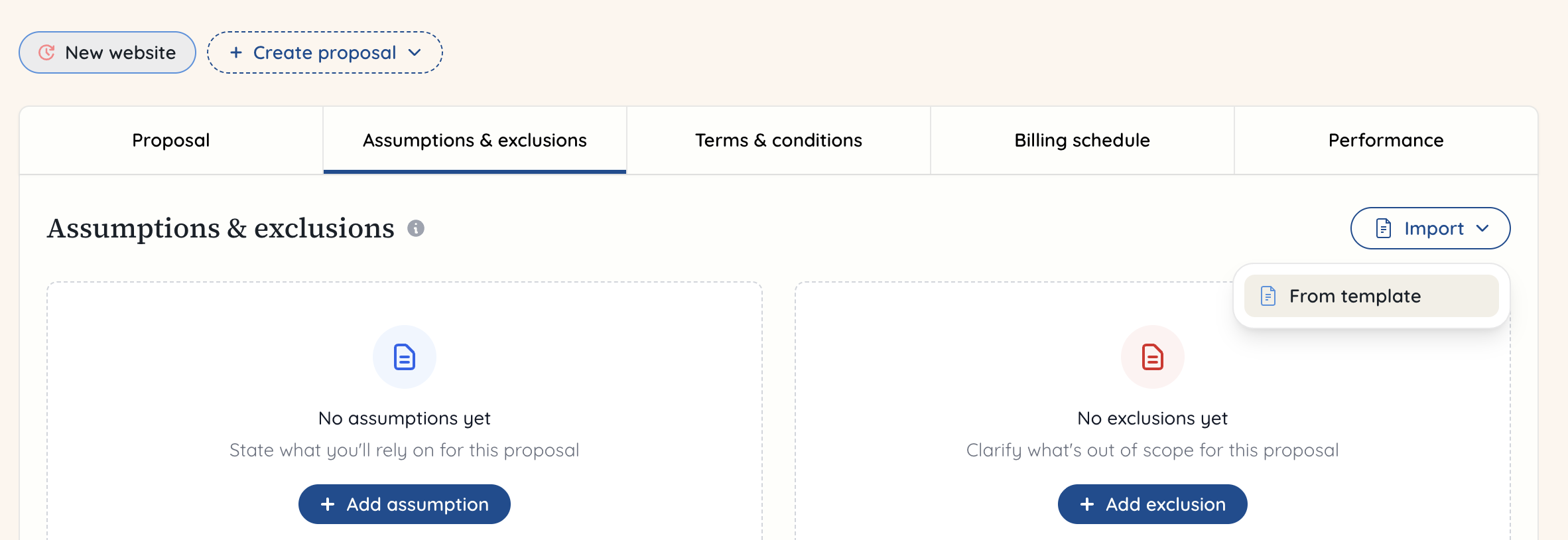
 You now need to navigate to the right hand button and click ‘Import’. This will bring up a dropdown and you can click ‘From template’.
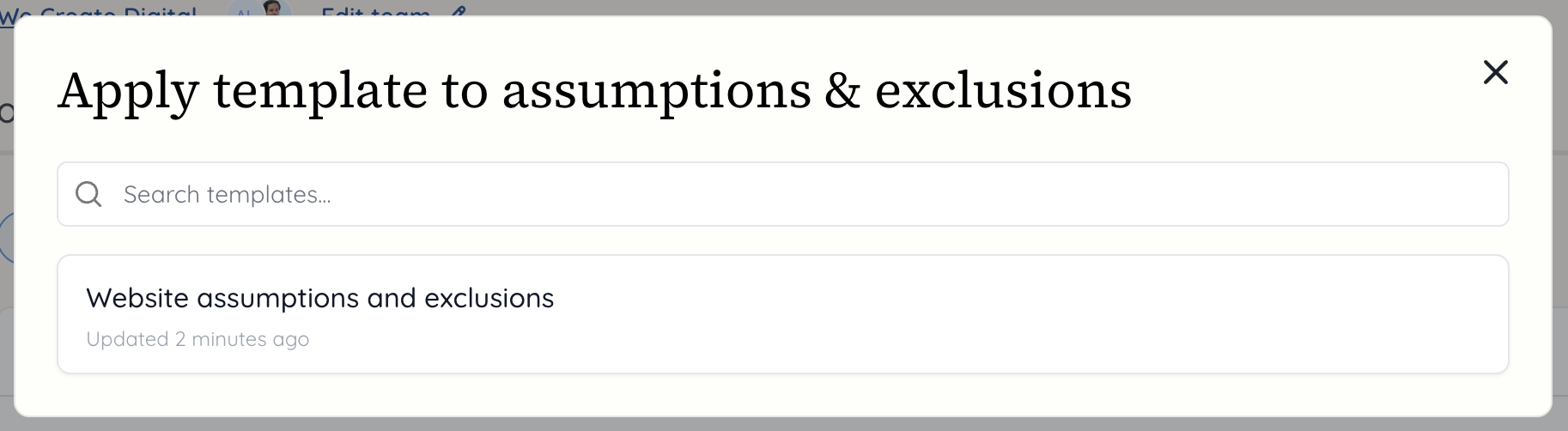
 A modal will appear giving you the list of templates you have created that you can select from.
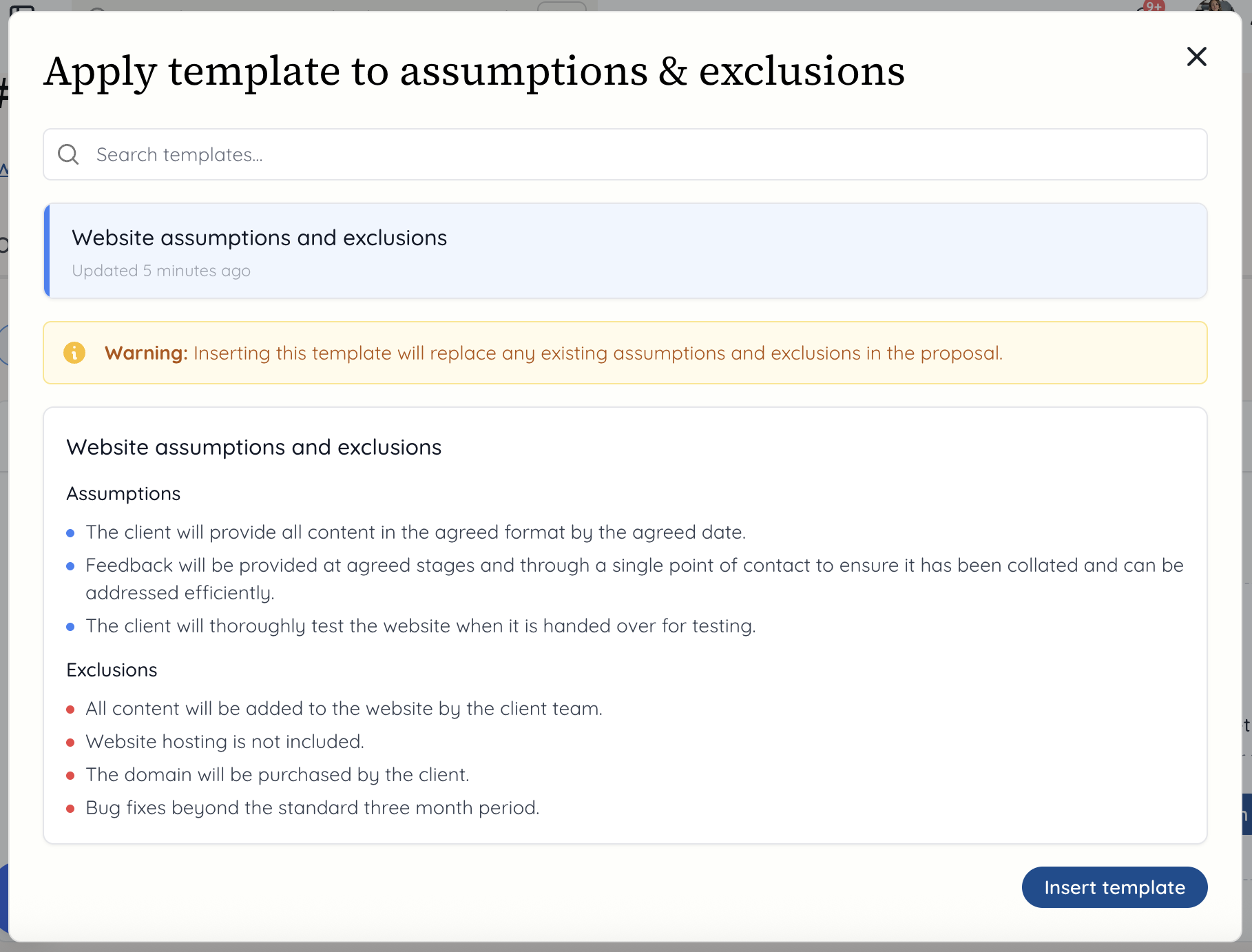
 Now you will see the assumptions and exclusions that will be added, as well as a warning that these will replace any other assumptions and exclusions you had added in. Click ‘Insert template’ to add them in.
 This will take you to the tab again for assumptions and exclusions, and will now show these in place for the proposal.