Creating a proposal template
Agencies often create proposals where much of the content can be reused from previous work. This saves time, reduces effort, and lowers the risk of missing important details.
To create a template for a proposal, navigate to the templates section of Rofinery in the lefthand menu.
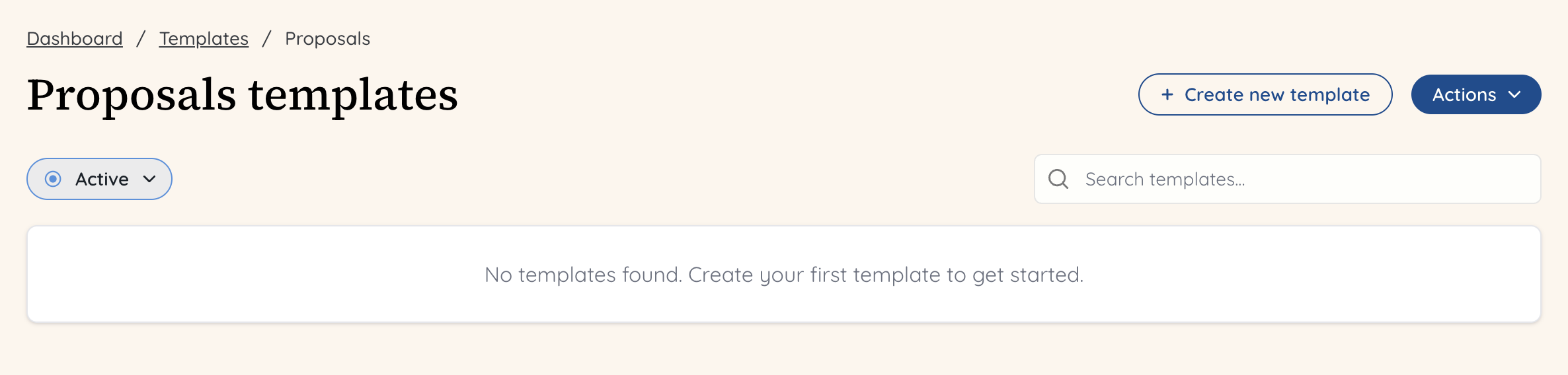
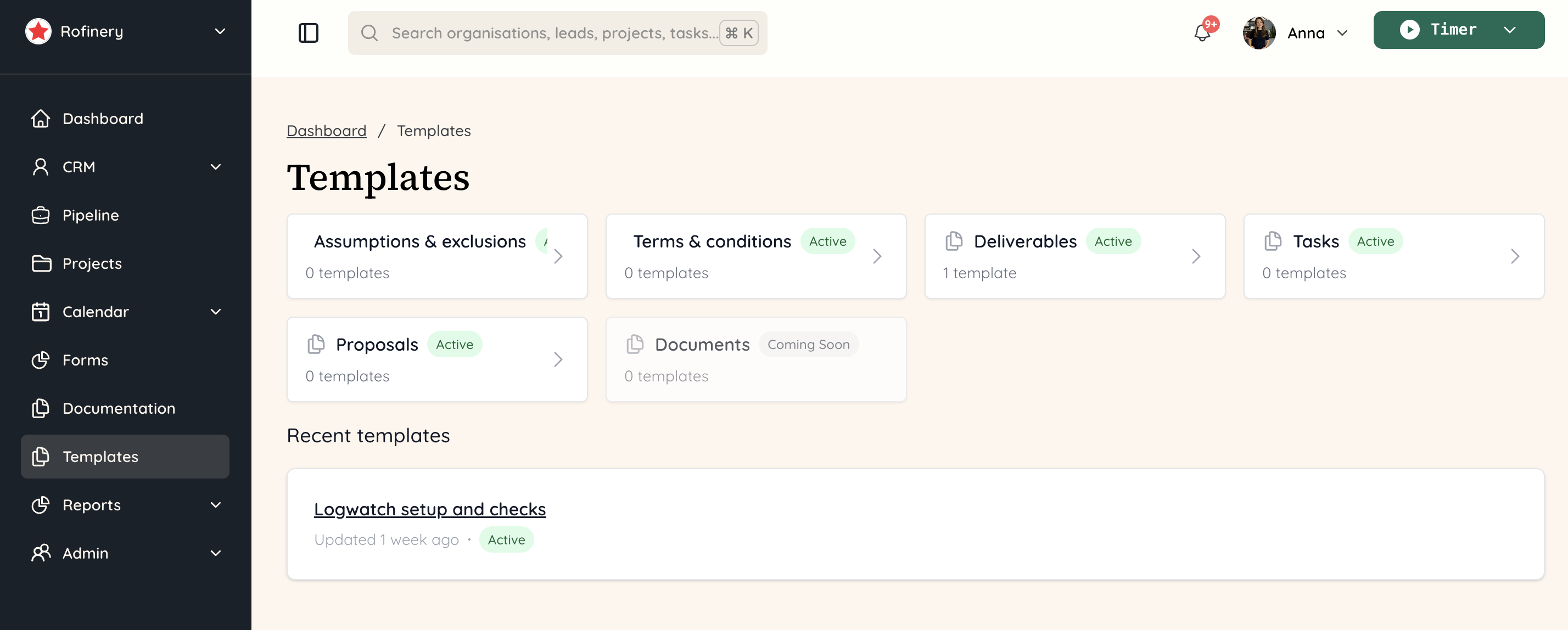 Click on 'Proposals' to create a template within this section. You will then see any previous proposals you have created, or you can create your first one by clicking on the button '+ Create new template'.
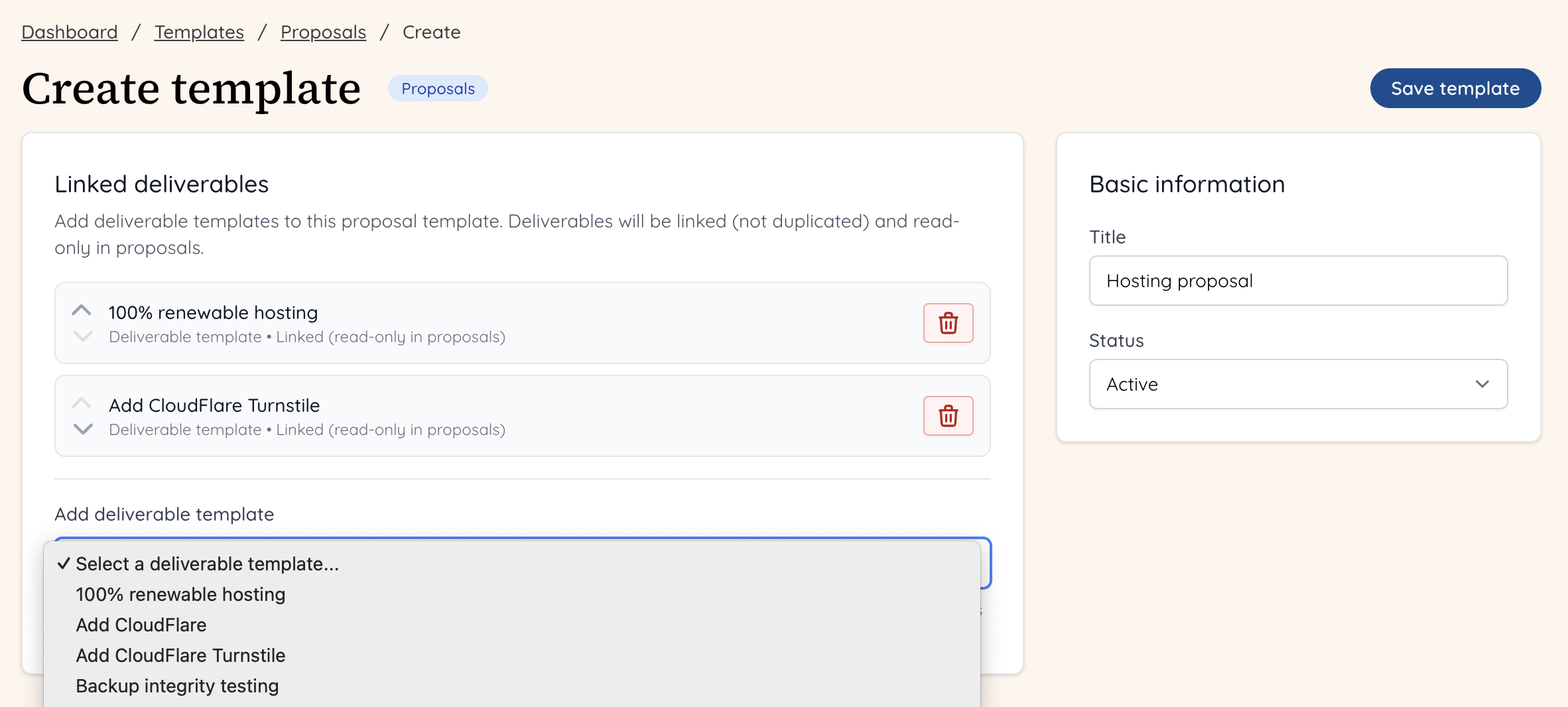
 You now need to add deliverables from templates to the proposal.
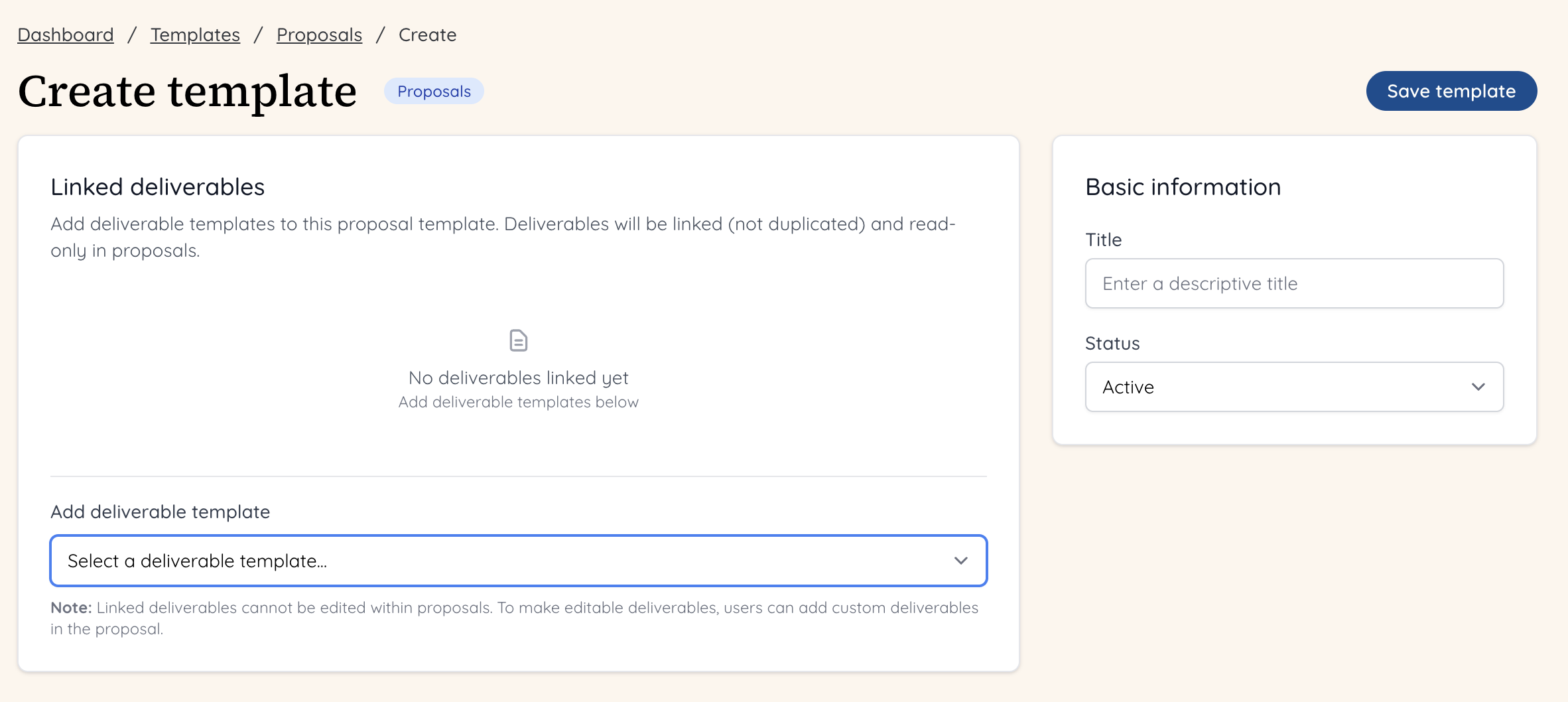 Give a name in the 'Basic information' box to the right, so you can easily identify this in your proposal templates.
Click on 'Add deliverable template' and you will see a dropdown of all of the templates you have for deliverables. You can select as many as you like, and reorder them or delete them as you go.
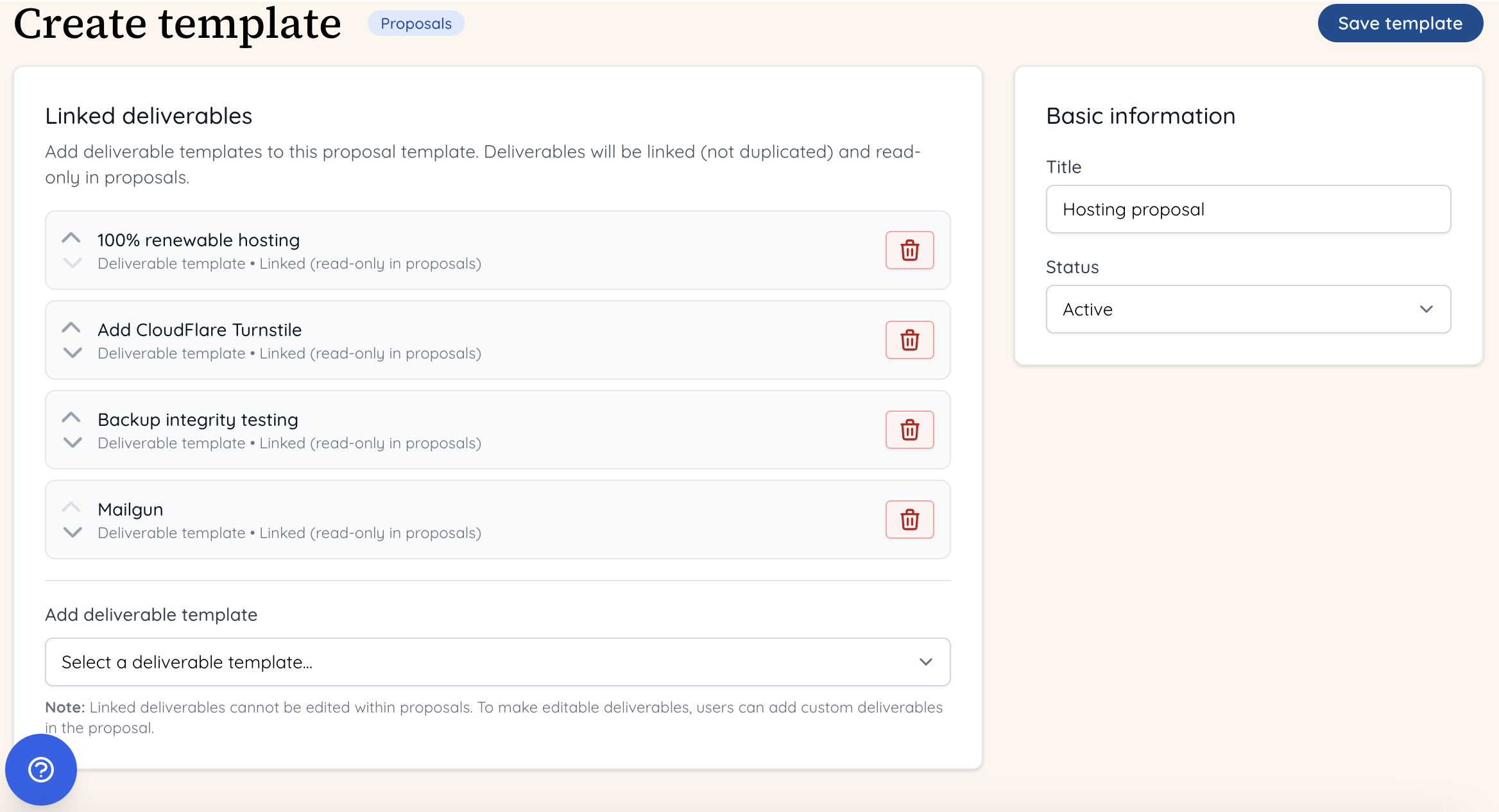
 Once you are happy with the deliverables templates that make up your proposal template, click the 'Save template' button on the right hand side.
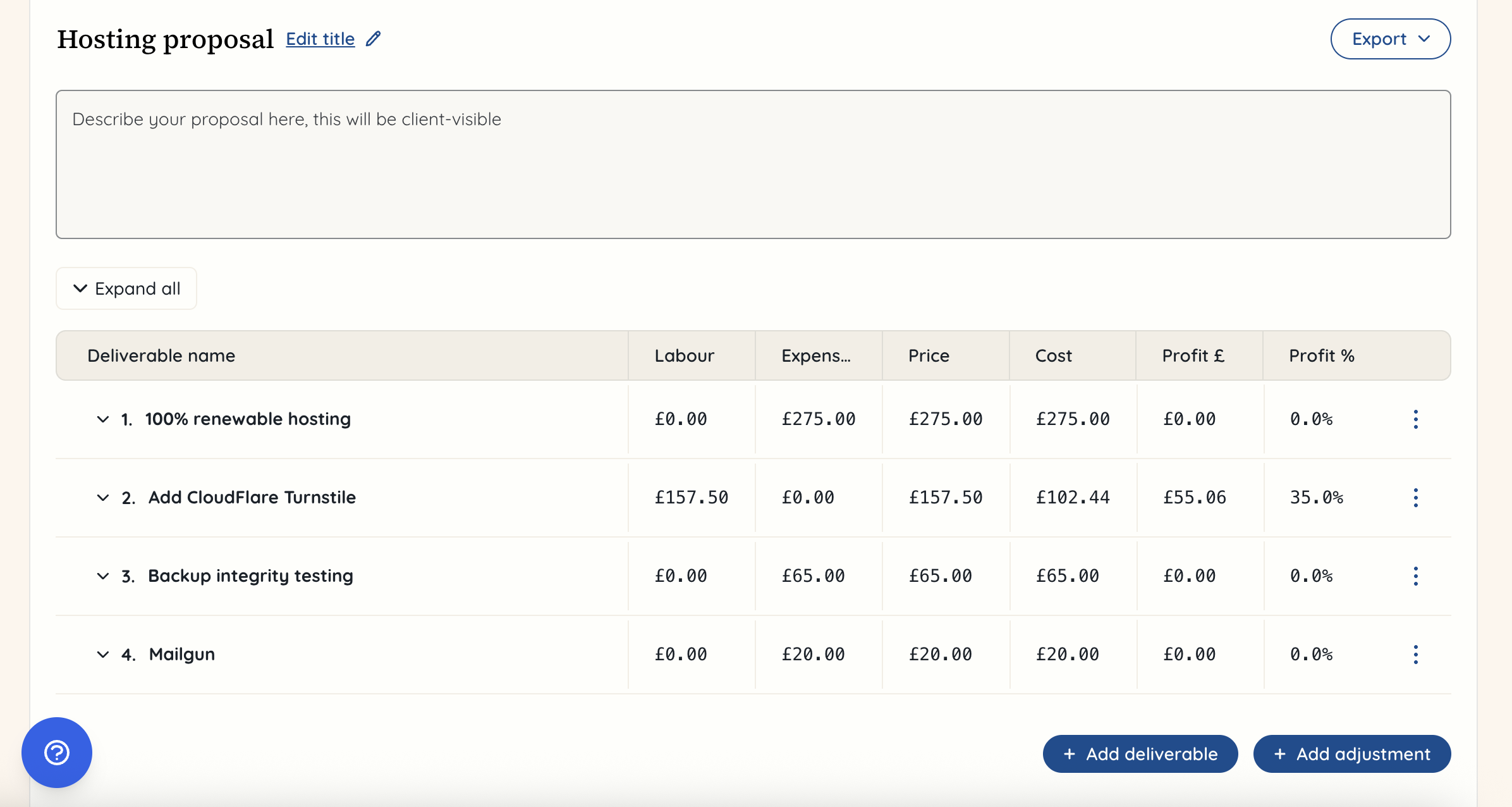
 When you want to use this template, you will need to create a project and a proposal within it.
 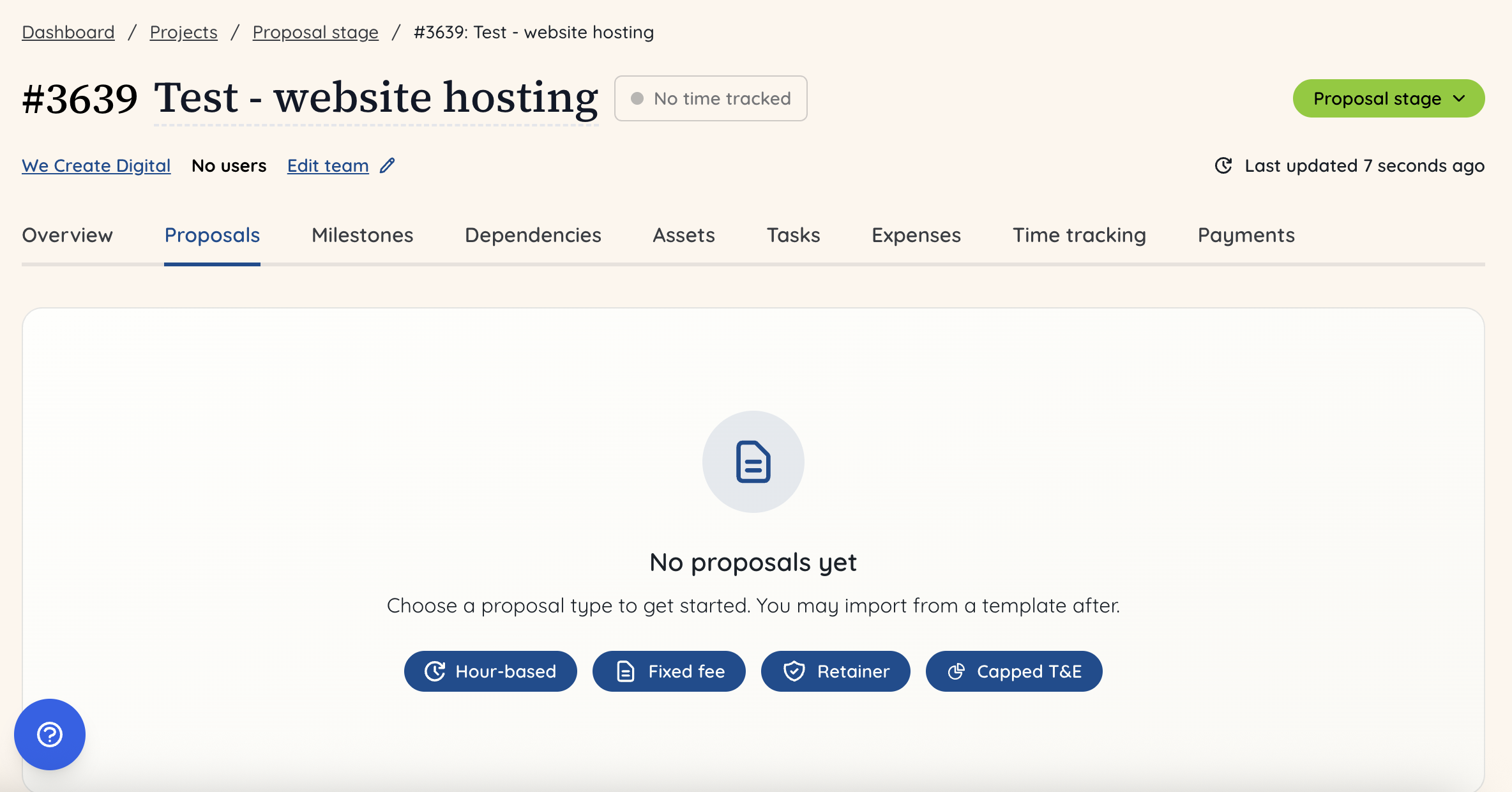 Once you have selected the type of proposal you want to create, you can rename the proposal and then click on the name of it to reveal the dropdown of options. Within this, select 'From template'.
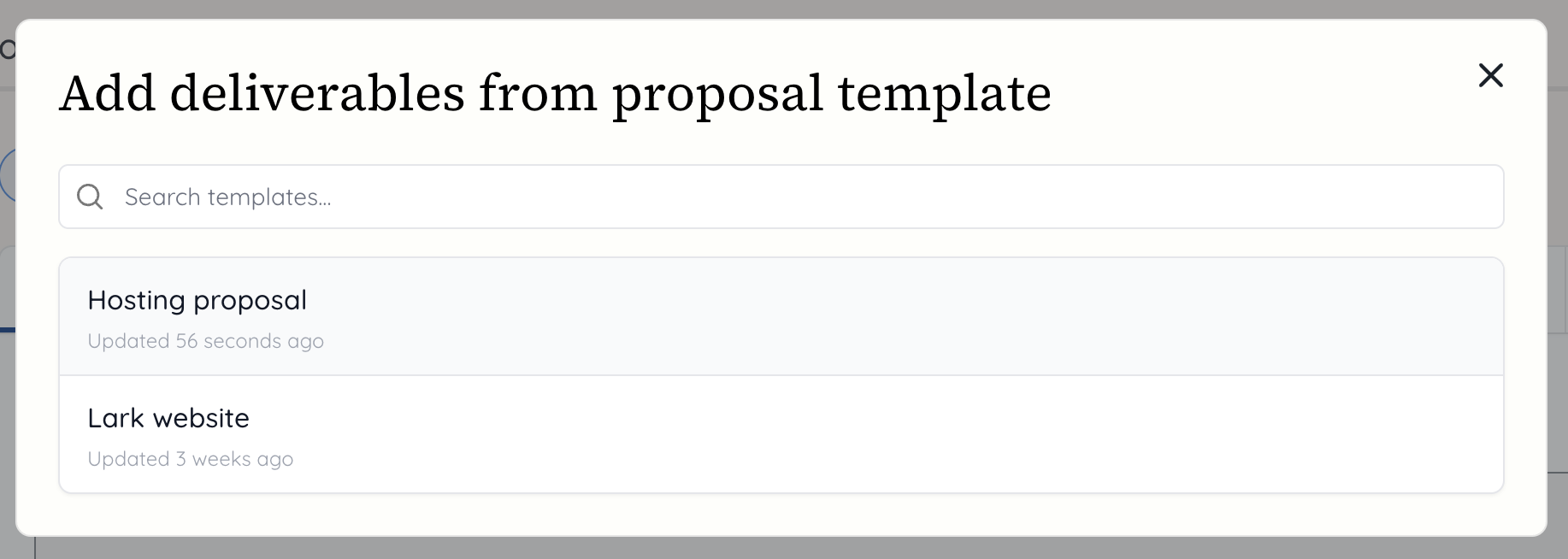
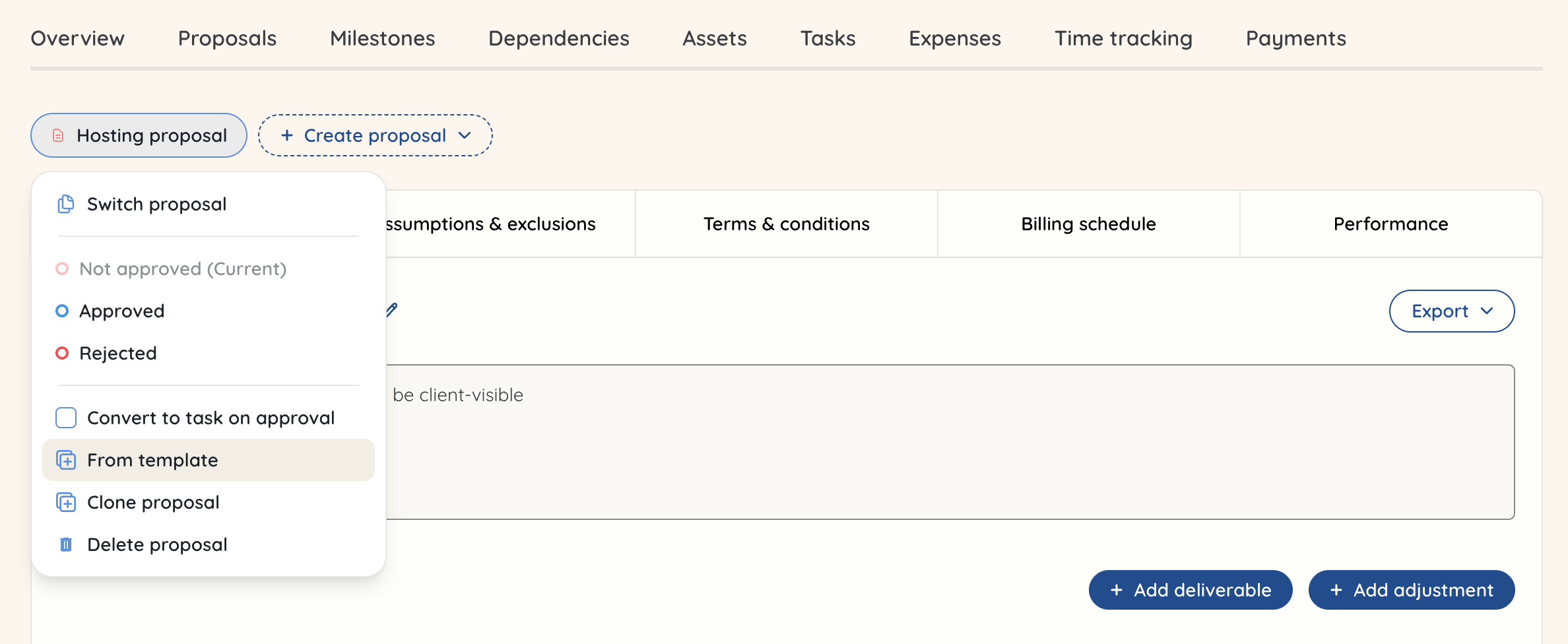 You will now see the proposal templates you have created. Click the one you want to import.
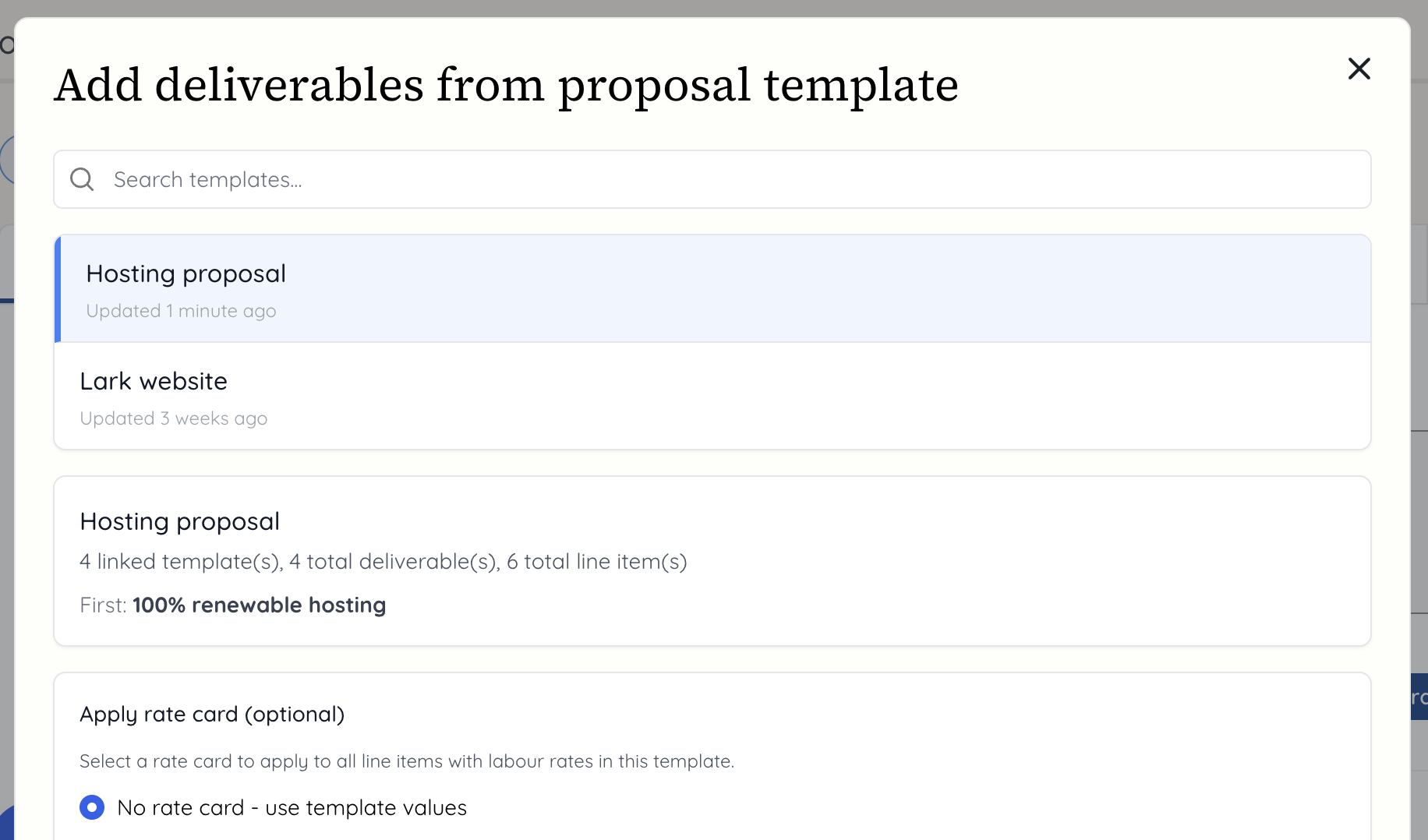
 You will now see the name of the proposal, the linked templates, total deliverables and total line items that make up the template. You can choose to apply a different rate card than what you set for the deliverables, or you can simply select 'No rate card - use template values' to use the rate cards for the templates. You can always change these once they've been added to the proposal if you need to assign a different member of staff who has a different rate card.
 You will now see the proposal built out with the deliverables from the proposal template. You can make any changes in here as you would with a standard proposal, such as added a fixed fee or additional deliverables and line items. After that, it is ready to be shared with the client or prospective client.